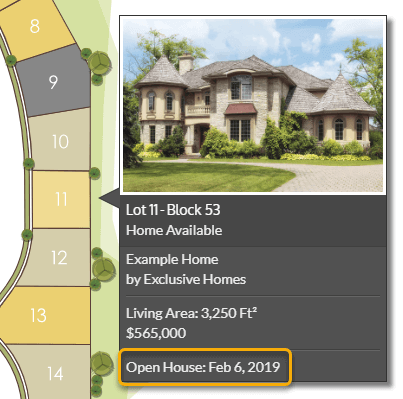
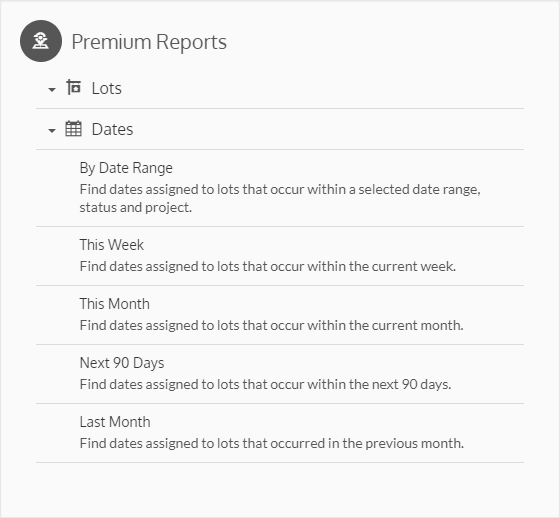
Pro and Premium subscribers can assign dates to lots. Dates provide an additional method for tracking lot status and stages of progress. To assign dates, first create a few Date Tags for meaningful events. The Date Tags can then be assigned to a lot, along with a date, through the Lot Action menu. Once dates have been assigned they can be viewed when hovering lots on the interactive map. Visibility controls are available for both the admin and public maps. Reports can be generated based on dates as well.
Dates can be displayed while hovering admin and public maps.